Join TunePat Discord 📢 Get instant help, share tips & tricks, and enjoy members-only discount codes. Join Now
TunePat - the Best Playlist Migration Tool

Playlist Transfer

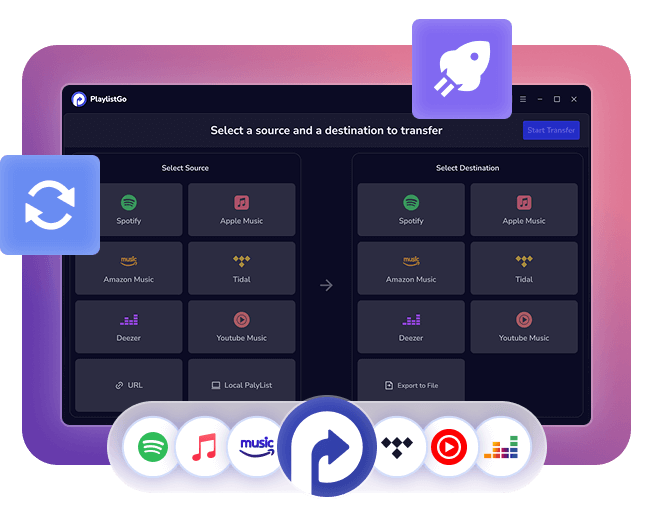
  • Transfer music playlists effortlessly between major platforms.
  • Upload playlists from M3U, CSV, and more formats to any streaming service quickly.
  • Export playlists in formats like M3U, PLS, XLS, and more for backup or playback.
  • Backup playlists locally to ensure your favorites are never lost.
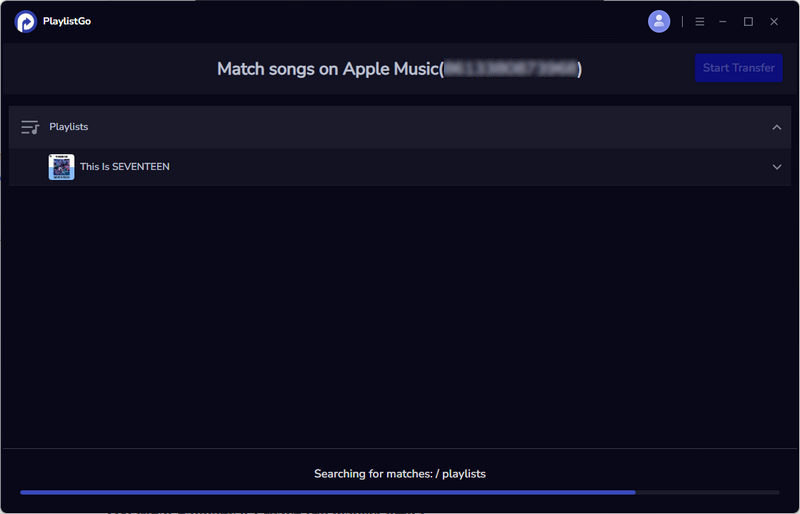
  • Fast, simple, and secure matching with 99%+ accuracy keeps your music organized.
  • *NOTE: TunePat is a home edition and it's only for personal use.
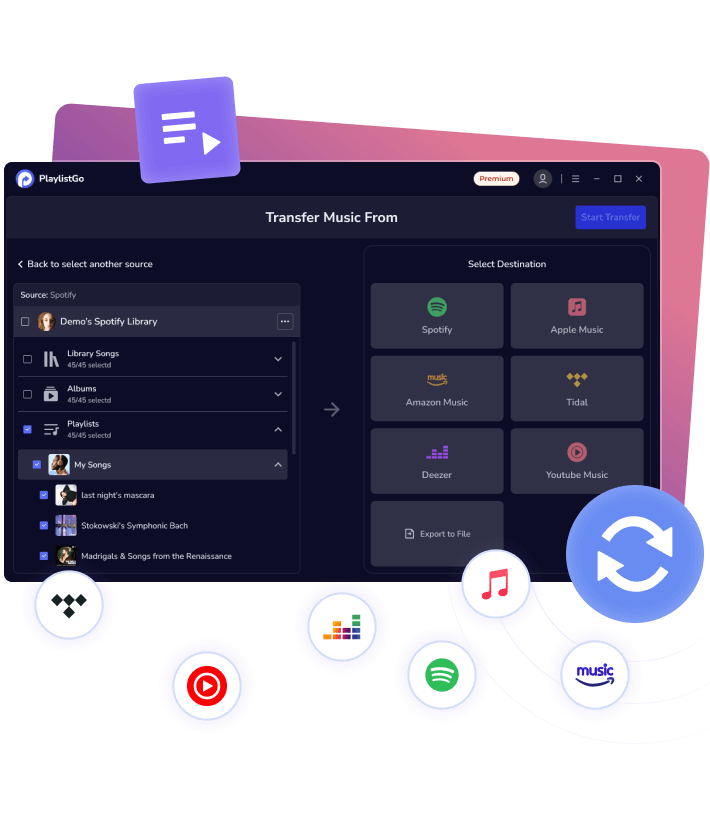
    playlist transfer banner

    wave

    Feature Highlights

    transfer playlists between platforms
    Multi-Platform Transfer
    import playlists
    Instant Playlist Import
    backup playlists you like
    Safe Playlist Backup
    fast speed
    Lightning Fast Transfer
    high success rate
    Flawless Matching
    circle
    transfer playlists between streaming platforms
    Transfer Playlists on 1-Click

    Easily Transfer Music Playlists When Switching Services

    Switching to a new music service for superior sound, smarter recommendations, or a better plan shouldn't mean leaving behind the playlists you've built over the years. Why waste hours recreating what you've already curated, or risk losing your favorite tracks and listening history?

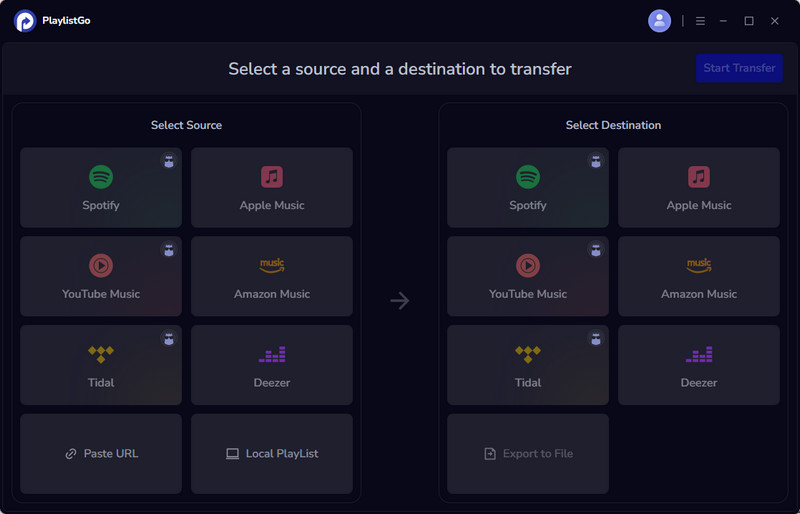
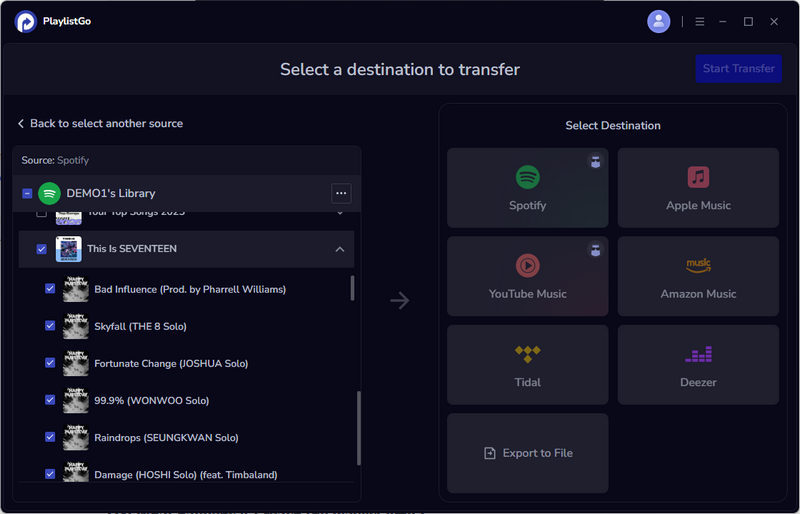
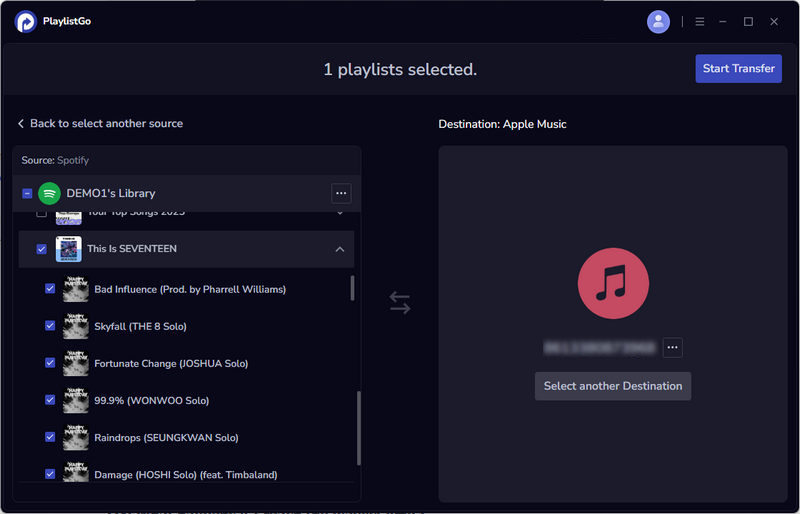
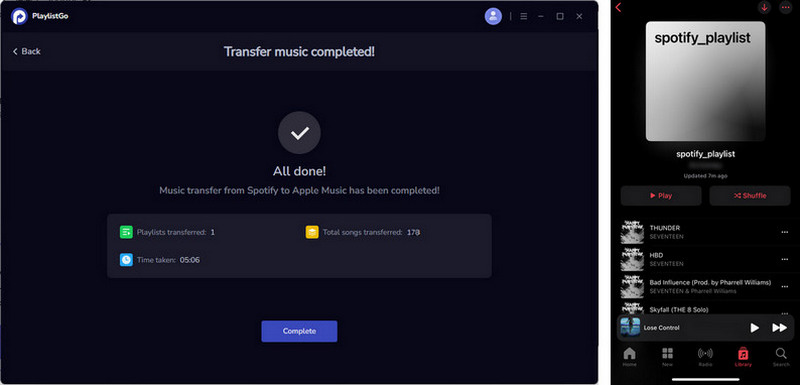
    TunePat Playlist Transfer lets you easily move playlists between Spotify, Apple Music, Amazon Music, Tidal, Deezer, and YouTube Music. Transfer your entire music library, including playlists, albums, and liked songs, with one click. Songs are matched accurately and organized for instant playback on your new platform.

    lines bubble
    From Local Files to Streaming

    Bring Your Local Playlists Online

    Easily transform your offline playlists into fully playable collections on any streaming platform. TunePat Playlist Transfer supports importing a wide range of playlist file formats, so whether your music lives in legacy media players or various archived files, you can quickly upload and organize your playlists without hassle.

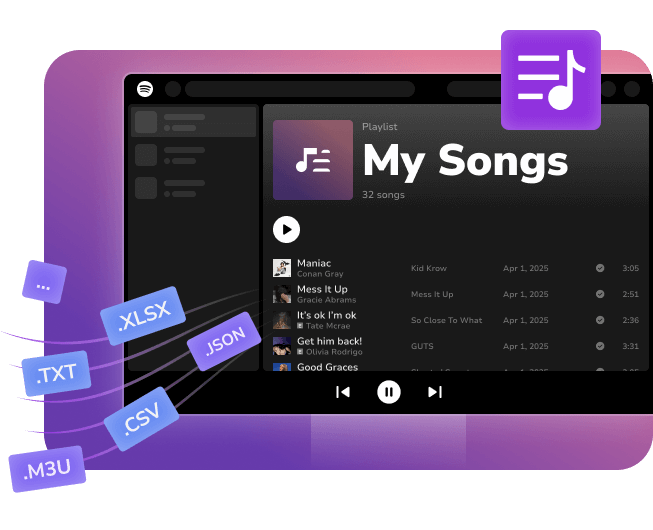
    • Supports 10 popular playlist formats, including M3U, M3U8, PLS, XSPF, XML, CSV, XLS, XLSX, JSON, and TXT.
    • Ideal for importing DJ software or archived playlists.
    • Easily migrate playlists from players like Windows Media Player or VLC.
    • Make your entire music library streamable in minutes.
    import local playlists to platform
    bubble2
    backup playlists as local files
    Protect Your Music with Exports

    Create Reliable Backups of Your Streaming Playlists

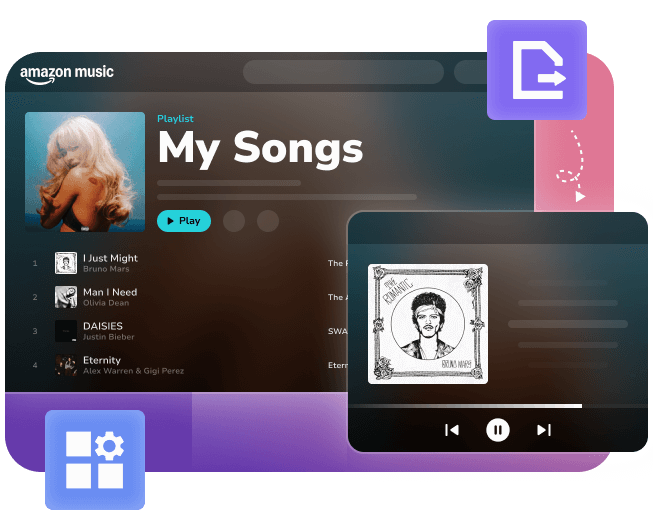
    Avoid losing your streaming playlists, albums, and music library due to account issues or service changes. TunePat Playlist Transfer lets you quickly export and back up your Spotify, Apple Music, and other streaming playlists locally. Keep your music safe with easy playlist backup, export, and offline access anytime.

    • Export playlists in M3U, M3U8, and PLS for wide player support.
    • Save as CSV, XLS, XLSX for easy editing and playlist management.
    • Support JSON, XML, XSPF, TXT for developer use and advanced needs.
    bubble

    Comments from TunePat Users

    star star star star star
    “ Playlist Transfer really saved me so much time when I switched streaming services. The tool worked perfectly. I didn't lose a single song. Importing my old DJ playlists was super easy too! ”
    tunepat user

    Marketing Manager

    Emma J.
    star star star star star
    “ Backing up all my playlists locally is such a relief. Knowing my music is safe offline gives me peace of mind. Plus, the variety of export formats makes it really flexible for me. ”
    tunepat user

    Fitness Trainer

    Liam S.
    star star star star star
    “ Support for JSON and XML is huge for me because I integrate playlists into my own apps. It's rare to find a tool that's easy for regular users but also great for developers. ”
    tunepat user

    Software Engineer

    Noah M.
    Frequently Asked Question

    Need Help With Playlist Transfer?

    Yes. Playlist Transfer uses official read-only OAuth authorization and encrypted data handling, ensuring your privacy and account security at all times.

    Playlist Transfer supports Spotify, Apple Music, Amazon Music, Tidal, Deezer, and YouTube Music, allowing seamless transfer of playlists, albums, liked songs, and full music libraries.

    Yes. Playlist Transfer supports full library migration, letting you move playlists and liked songs in one smooth operation without manual work.

    Playlist Transfer delivers over 99% accurate song matching using intelligent multi-data matching technology to ensure precise and reliable transfers.

    Yes. Playlist Transfer allows you to import playlists from M3U, M3U8, PLS, XSPF, XML, CSV, XLS, XLSX, JSON, and TXT files directly into Spotify, Apple Music, and other supported platforms.

    Yes. Playlist Transfer lets you export and back up playlists, albums, and libraries to local files in multiple formats for offline storage and permanent protection.

    Playlist Transfer offers a free trial so you can test playlist transfers. Unlimited transfers and advanced features are available through affordable subscription or one-time purchase options.

    As a desktop tool, Playlist Transfer provides faster transfer speed, stronger privacy protection, and broader support for local playlist formats compared to web-based tools like Soundiiz and TuneMyMusic.
    special entrance