YouTube Shorts MP3 Download (Safe & Working Tools)
 By Olivia Anderson
YouTube Music Tips
Updated on 5/20/2026
By Olivia Anderson
YouTube Music Tips
Updated on 5/20/2026
Many YouTube Shorts contain music, narration, interviews, or other audio that users may want to save as MP3 files for offline listening. To do this, people typically turn to YouTube Shorts MP3 downloaders. Online tools are convenient for one-off use, but they often come with ads or inconsistent audio quality. Desktop software, on the other hand, is more stable and better suited for frequent downloads, offering higher audio quality and batch processing on Windows or Mac systems. This guide compares several tools for downloading MP3 audio from YouTube Shorts. Let's see which one works best for you.
Part 1: Best YouTube Shorts to MP3 Downloader for Windows & Mac
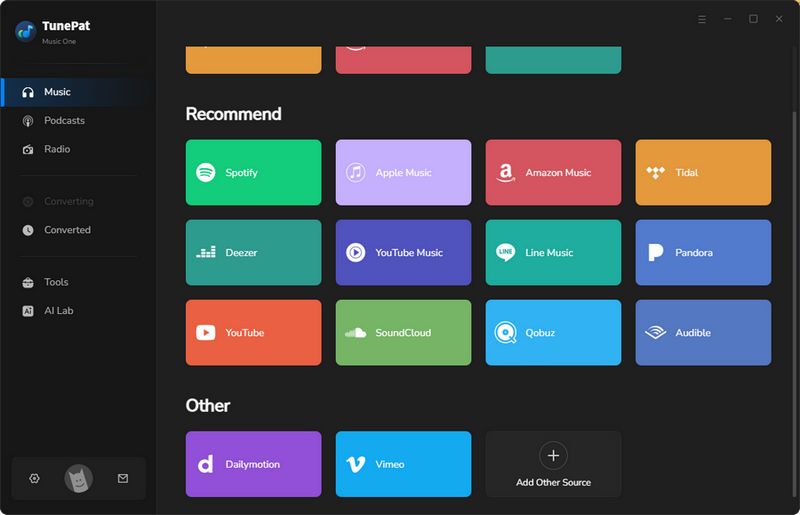
If you want a safe and stable way to download YouTube Shorts as MP3 files, desktop software is generally a better choice than random online converters. TunePat Music One works on both Windows and Mac. Besides YouTube Shorts, it supports a wide range of streaming platforms, including but not limited to Apple Music, Spotify, YouTube Music, Tidal, and SoundCloud. It supports saving audio in common formats like MP3, AAC, WAV, FLAC, AIFF, and ALAC. TunePat also retains metadata including title, artist, album, and album art, which is very helpful for managing large music collections. Additionally, TunePat supports batch downloading, saving time when converting multiple Shorts audio clips. For users who care about sound quality and long term reliability, TunePat is undoubtedly a powerful option.
TunePat Music One
TunePat Music One is an all-in-one converter that can support any music streaming platform.
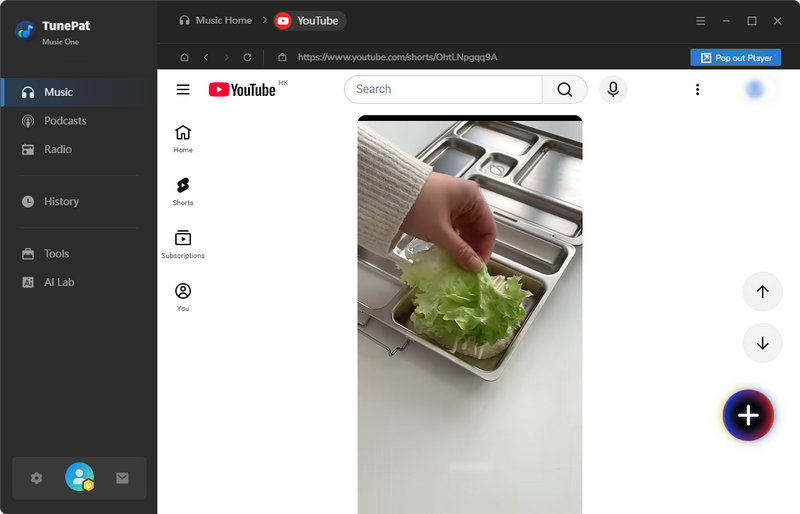
Step 1 Double-click TunePat Music One to launch the program. As mentioned, TunePat supports a wide range of streaming platforms; this guide uses YouTube as an example. Click the "YouTube" option, then sign in to your YouTube Music account through the built-in browser. For easier operation, you can detach the embedded player by clicking the "Pop out Player" button.
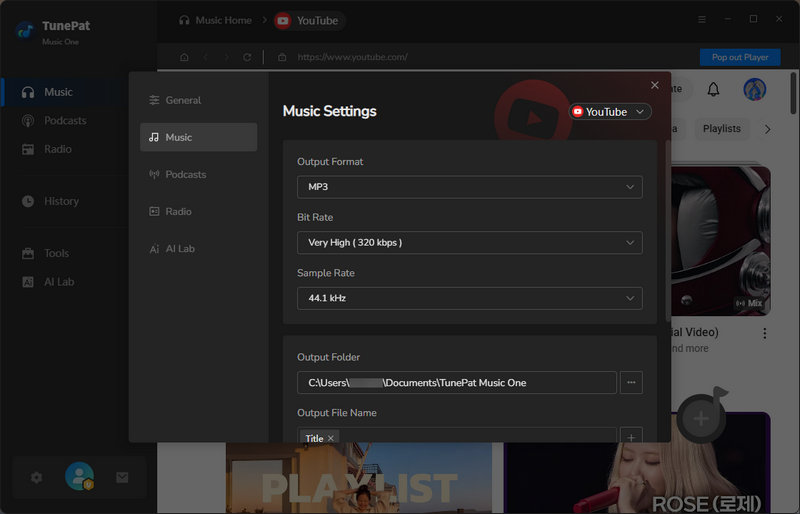
Step 2 Open the "Settings" window and choose MP3 as the output format for your YouTube Shorts audio downloads. You can also adjust the bit rate, sample rate, output folder, and output file name. Once saved, these settings will apply to all future conversions automatically.
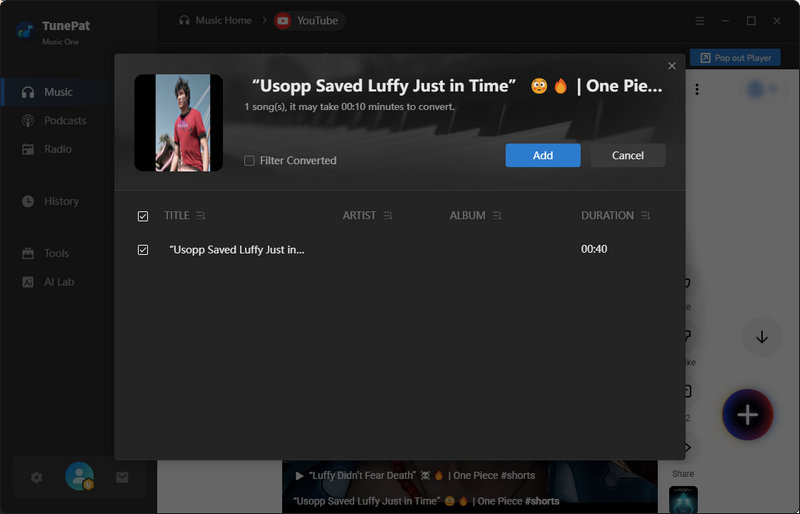
Step 3 Return to the YouTube web player and open the Shorts you want to convert. Click the "+" button in the lower right corner, then select the songs you want in the pop-up window. After that, click the "Add" button to import them into TunePat.
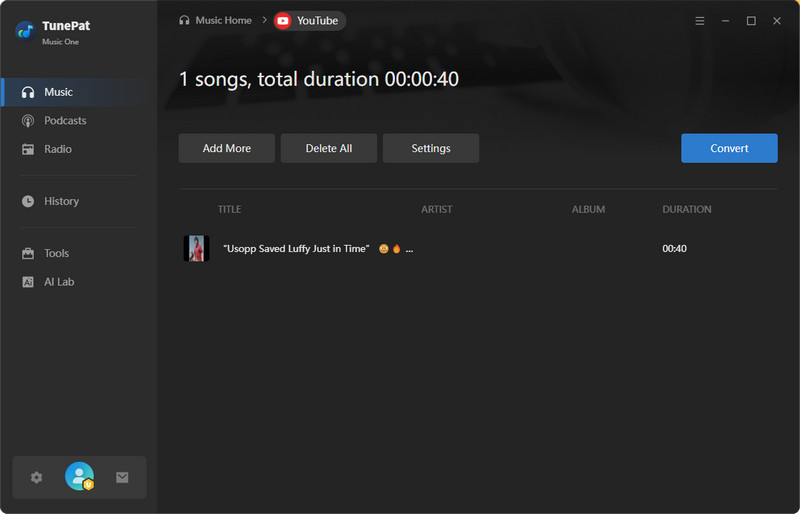
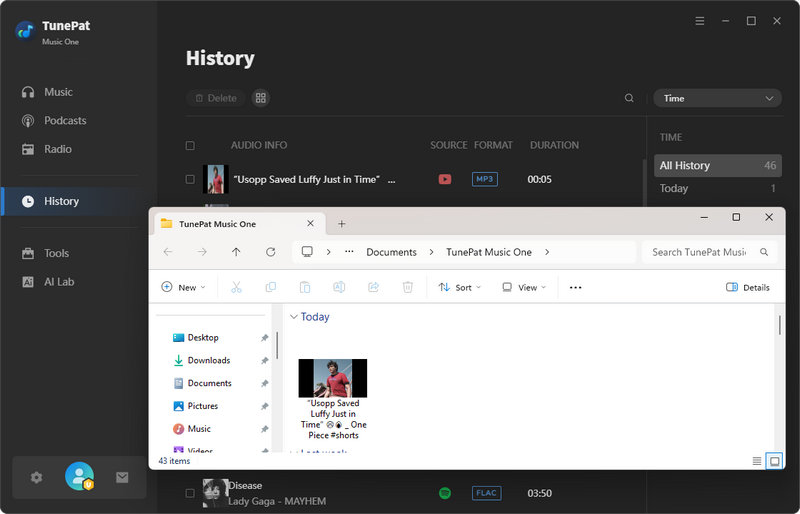
Step 4 To batch convert more YouTube Shorts, click "Add More" and repeat the previous step. Otherwise, click the "Convert" button to start downloading and converting the selected audio to MP3. Once finished, you can find your converted files in the "History" section or the selected output folder.
Part 2: Best Free Online YouTube Shorts MP3 Download Tools
#1 YouTubeShortsToMP3
🔗 https://youtubeshortstomp3.com/
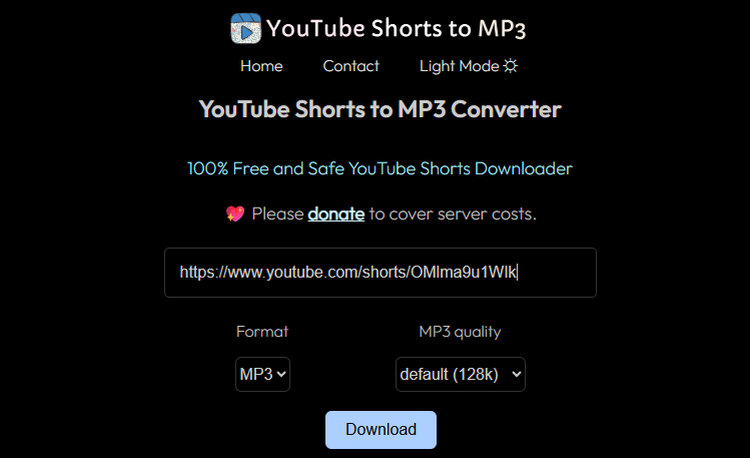
Brief introduction: YouTubeShortsToMP3 is a web-based tool designed specifically for converting YouTube Shorts links into MP3 or MP4 files. Simply paste the Shorts URL, select your preferred format and audio quality, then click "Download". The site contains a few ads but remains easy to navigate. It works seamlessly on all devices, including desktops and smartphones, without requiring any installation. The downloaded audio quality is relatively good for most casual listening needs, and the ID3 tags are comprehensive, helping you keep track of track information.
#2: CNVMP3
🔗 https://cnvmp3.com/v54
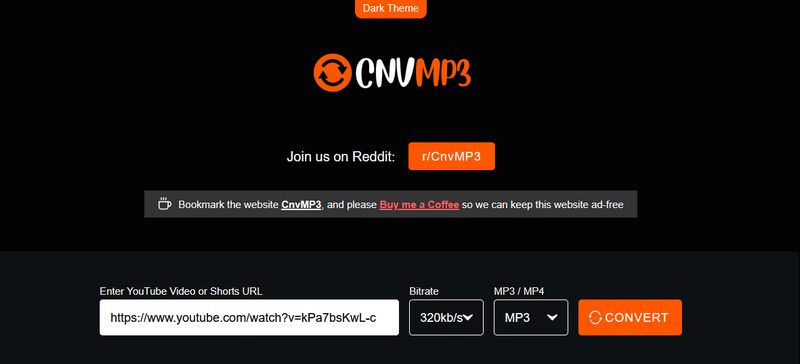
Brief introduction: CNVMP3 is a web-based YouTube to MP3 converter that also supports YouTube Shorts links, making it a handy choice for quick audio downloads. The site focuses on speed and simplicity: just paste the video URL, choose MP3 format, and start converting in a few clicks. It offers an ad-free experience, clean navigation, and minimal fake download buttons. Although CNVMP3 claims to support audio quality up to 320kbps, the actual output quality is somewhat lower. However, it does retain a fairly comprehensive set of ID3 tags.
#3: CutYT
🔗 https://www.cutyt.com/youtube-shorts-downloader
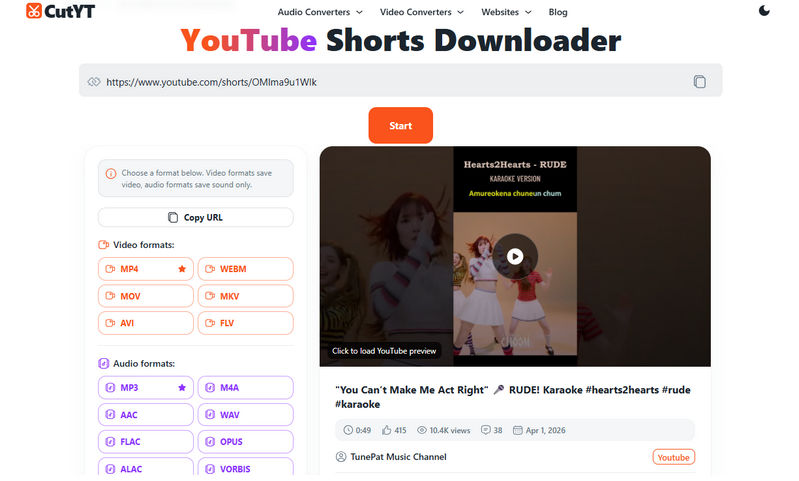
Brief introduction: CutYT is a clean, user-friendly online downloader for YouTube Shorts. Once you open it, you'll see a simple interface with recommendations for frequently downloaded videos at the bottom. As with other tools, just copy the link and let CutYT parse it. You'll then see various output formats for both video and audio, along with details about the Shorts, such as duration, likes, and views. Click "MP3" to start the download. For users who need more output options than basic tools that only support MP3, CutYT is one of the most flexible online choices available. However, the output files lack ID3 tags, and the audio quality is relatively poor.
#4: SAVEMP3
🔗 https://savemp3.net/dht8s/youtube-shorts-to-mp3/
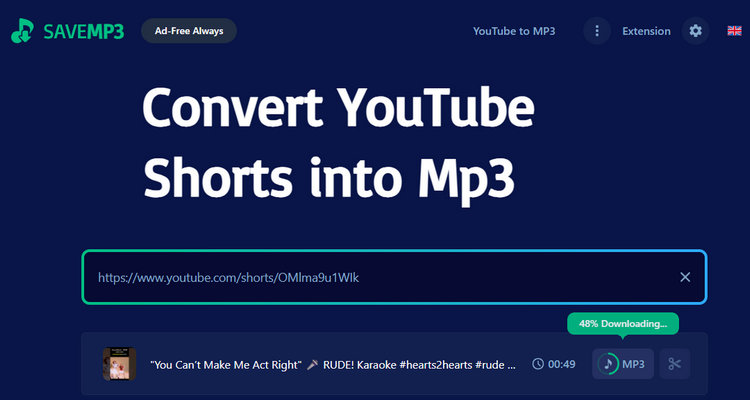
Brief introduction: When you open SaveMP3 in your browser, you'll first need to complete a Cloudflare verification. After that, paste the YouTube Shorts link into the input box. Once the site resolves the link, the Shorts' details will appear. Click "MP3" to start the download. After the download finishes, SaveMP3 will ask if you'd like to subscribe. Whether you choose to subscribe only affects the download experience, such as audio quality or daily download limits. Both the free and subscribed versions are ad-free. Since SaveMP3 runs entirely online, you can use it on Windows, Mac, Android, and iPhone through any web browser.
Part 3: How to Choose a Safe YouTube Shorts to MP3 Downloader
| If You Care About... | Best Choice | Why |
|---|---|---|
| Best Audio Quality | TunePat, SAVEMP3, YouTubeShortsToMP3 | More stable high-bitrate MP3 output with better consistency. |
| Safety & Privacy | TunePat | No pop-ups, redirects, or suspicious ads. |
| Batch Downloads | TunePat | Supports playlists and bulk downloading. |
| Mobile Use | YouTubeShortsToMP3, CNVMP3, CutYT, SAVEMP3 | Works smoothly on Android and iPhone browsers. |
| Stability | TunePat | Actively maintained program with regular updates. |
Part 4: FAQs About YouTube Shorts MP3 Download
Q1: Is it legal to download YouTube shorts to MP3?
A: Downloading YouTube Shorts for personal offline viewing may be acceptable in certain cases. However, redistributing copyrighted audio or using the content for commercial purposes could violate copyright laws and platform policies. Always ensure you have obtained proper permission before making any use of downloaded material.
Q2: How can I safely download YouTube Shorts to MP3?
A: Opt for trusted desktop software like TunePat Music One or reputable online tools that use HTTPS protection. Avoid websites cluttered with intrusive pop-ups, fake download buttons, or unexpected redirects, since such features often signal security risks.
Q3: Why do some online tools for converting YouTube Shorts to MP3 suddenly become unusable?
A: Online converters sometimes fail due to server issues or browser compatibility problems. If one tool doesn't work, simply try another converter from the list above to get the job done.
Q4: Which YouTube Shorts MP3 Downloader Is Best?
A: It really depends on your needs. For a quick, one-time download, online tools are the most convenient choice. However, if you need batch downloading or metadata support, desktop software like TunePat is the better option.
Conclusion:
Choosing the right tool makes YouTube Shorts MP3 downloads much easier. Each option compared in this article has its own strengths and suits different types of users. The best choice ultimately depends on how often you download, which device you use, and how much you value sound quality. Free online converters are fast and convenient for occasional use, while desktop programs like TunePat are better for frequent users or those who need advanced features. Before using any such tool, avoid suspicious websites, watch out for excessive ads, and make sure the converter works properly. Go ahead and pick your favorite to try it out!

Olivia Anderson
Senior Writer