Unblocked Music at School: 20 Best Players That Still Work in 2026
 By Olivia Anderson
Music Tips
Updated on 8/26/2026
By Olivia Anderson
Music Tips
Updated on 8/26/2026
School firewall blocking your beats? We get it. That frustrating "Access Denied" screen shouldn't ruin your study sessions or free time. While streaming sites like Spotify and Apple Music are heavily restricted on school Wi-Fi and Chromebooks, you don't have to sit in silence.
In this comprehensive guide, we will show you the ultimate workaround: how to download any song for 100% offline playback, followed by the Top 20 free unblocked music players and platforms for school that still work on restricted networks.
Part 1: Download and Play Any Music Offline at School
Why battle with school firewalls every single day when you can bypass them entirely? The most bulletproof way to listen to music at school is to download your favorite tracks to your local device. When your music is saved offline, no school Wi-Fi restriction, network filter, or Chromebook administrator blocking can stop you from pressing play. TunePat Music One acts as both a premium unblocked music player and a powerful multi-platform downloader, making it your ultimate school music companion.
- Best for: Students wanting a permanent, unblockable offline music library without dealing with school Wi-Fi or proxy links.
- Why It Works: School firewalls only block internet traffic. Because TunePat saves songs locally, it uses zero data to play, making web filters useless.
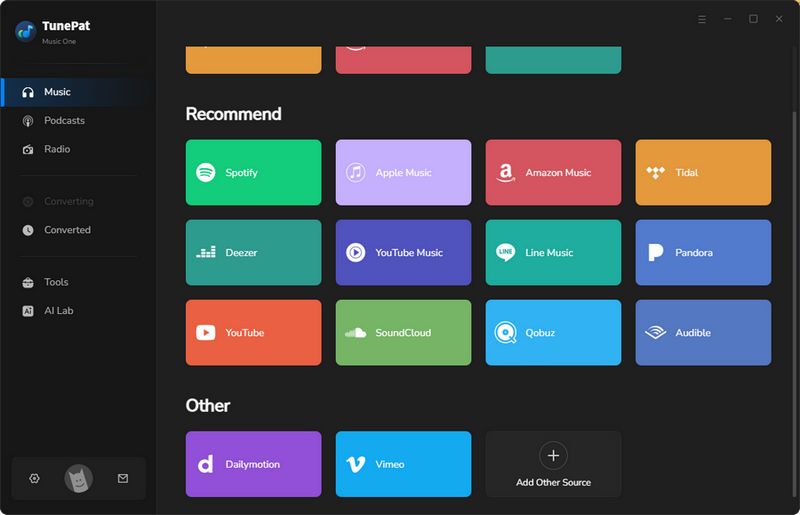
Step 1 Launch TunePat and Select Your Platform
Download and open TunePat Music One on your computer. On the main interface, select "SoundCloud" (or your preferred streaming service). The built-in web player will open automatically. Log into your account to access your playlists.
Step 2 Customize Your Output Settings
Click the "Settings" icon. Here, you can change the output format to MP3 (highly recommended for school devices) and select other parameters.
Step 3 Parse and Download Your Tracks
Return to the library, browse your songs, and click the floating "+" button. Check the songs you want, click "Add", and then hit "Convert". Transfer these MP3 files to your phone, USB drive, or school laptop for endless offline listening!
Pros
-
 Download tracks at home or via cellular data, then play them offline on your laptop or phone without using school Wi-Fi or triggering network alerts.
-
Seamlessly access and download music from all major platforms including Spotify, Apple Music, Amazon Music, Tidal, YouTube Music, SoundCloud, and more.
-
Convert tracks to MP3, FLAC, WAV, or AAC that any default school computer media player or Chromebook can open instantly.
-
If the school has blocked your favorite niche site, use the "Add Other Source" feature to grab audio from almost any online platform (Bandcamp, Vimeo, etc.).
Cons
-
 Requires a computer to download and convert the songs initially (highly recommended to do at home before heading to class); not a direct online web proxy streaming site.
- Related articles recommended: Top 12 Unblocked Movie Sites for School [Free & Safe]
Part 2: Top 20 Free Unblocked Music Players for School
If you prefer to stream music directly online, we have compiled the ultimate list of 20 unblocked options. To help you find the right fit, we’ve categorized them based on how they bypass school restrictions.
Jump to Unblocked Music Players (Top 20 List)
Category A: Cloud-Based & Local Storage Players (Safest for School)
School Wi-Fi often blocks standard streaming sites. You can upload your own music to a cloud drive instead. These platforms let you stream your personal files directly. School filters rarely block them, so they work as a safe unblocked music player.
#1. Google Drive Audio Player
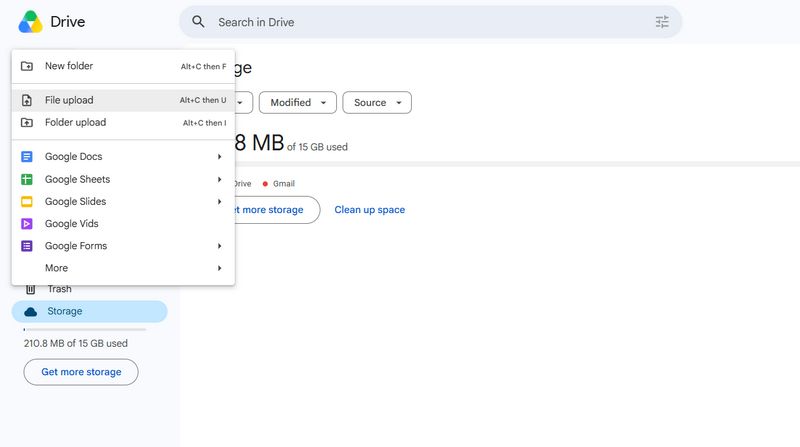
Many schools utilize Google Workspace, meaning Google Drive is strictly on the firewall's whitelist. By uploading your personal MP3 files to Google Drive, you can use its native cloud media player to listen to music directly in your browser.
- Why it works: Schools cannot block Google Drive without breaking educational tools.
- Best for: Students who already have a large personal MP3 collection and want a 100% foolproof, unblockable way to stream on school Chromebooks.
Pros
-
100% ad-free experience without tracking or subscription requests.
-
Guaranteed to bypass school firewalls since Google Workspace is strictly whitelisted for education.
-
Highly compatible with all school Chromebooks and mobile devices.
Cons
-
Requires you to manually source and upload your own MP3 files beforehand.
-
No smart recommendation music discovery features or pre-made playlists.
#2. OneDrive / Dropbox Media Player
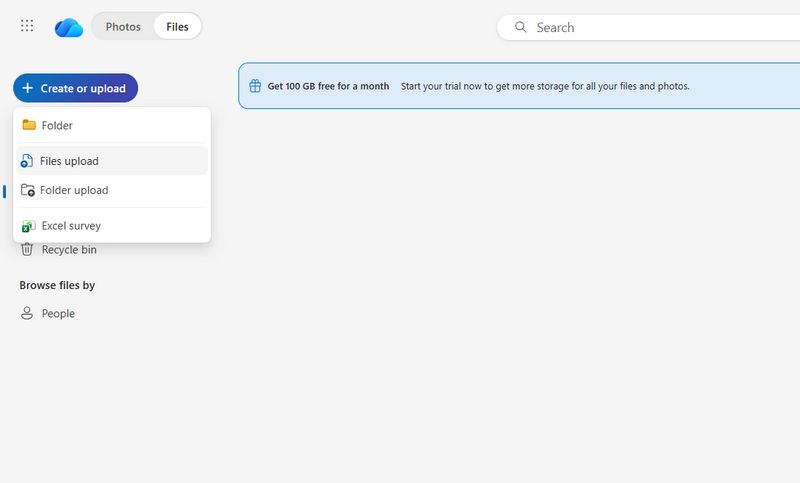
Similar to Google Drive, if your school uses Microsoft Teams or Office 365, OneDrive will be completely unblocked. Simply upload your music library and stream on demand using the built-in web media preview tool.
- Why it works: Operates under trusted cloud infrastructure.
- Best for: Students whose schools rely heavily on Microsoft Office systems instead of Google Workspace.
Pros
-
Operates under trusted cloud network infrastructure, keeping your traffic hidden from basic web filters.
-
Clean, distraction-free media player interface built right into the browser tab.
Cons
-
Free storage space is limited (e.g., 5GB for OneDrive), restricting large music libraries.
-
Organizing songs into custom playlists within the web interface can be clunky.
Category B: Open-Source, Indie & Copyright-Free Platforms
Schools block major commercial apps to save bandwidth and follow licensing rules. However, independent sites usually slip past these web filters. They host a large library of indie music and copyright-free beats. They are a perfect unblocked music player alternative for students.
#3. Jamendo
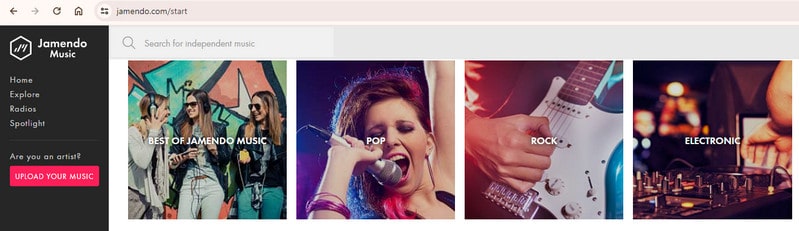
Jamendo is an innovative music community featuring over 600,000 tracks from independent musicians worldwide. It is highly accessible on school networks and permits direct, free audio downloads.
- Why it works: It is classified as an independent arts community rather than a mainstream entertainment site.
- Best for: Indie music lovers and students looking for fresh, non-mainstream tracks for studying or creative background noise.
Pros
-
Houses a massive independent catalog of over 600,000 tracks across various unique genres.
-
Allows completely free, legal audio downloads for true restriction-free offline listening.
-
Excellent background focus playlists tailored perfectly for studying or essay writing.
Cons
-
Completely lacks mainstream billboard hits and top-charting commercial artists.
-
Audio production quality can vary drastically since tracks are uploaded by independent creators.
#4. Free Music Archive (FMA)
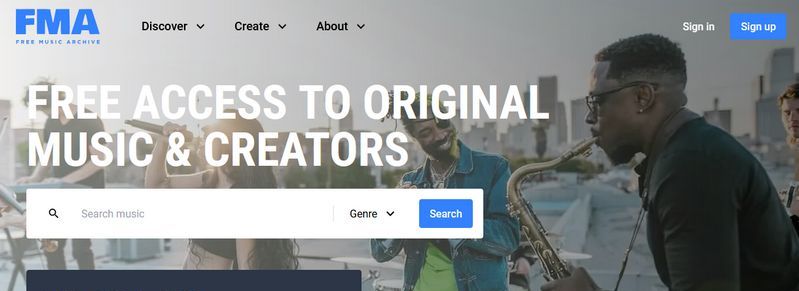
FMA offers a massive library of high-quality, copyright-safe tracks spanning over 100 genres. All music is free to stream and completely unblocked on most school and office networks.
- Why it works: Labeled as a non-profit educational and creative resource.
- Best for: Students who need background music for intense focus, essay writing, or video editing projects.
Pros
-
100% free to access and download tracks with absolutely no account registration or log-in required.
-
Heavily utilizes Creative Commons licenses, making it highly trusted and rarely flagged by school IT filters.
Cons
-
No current pop hits or trending commercial soundtracks available.
-
The website layout and search filtering capabilities look outdated and take time to navigate.
#5. Audiomack
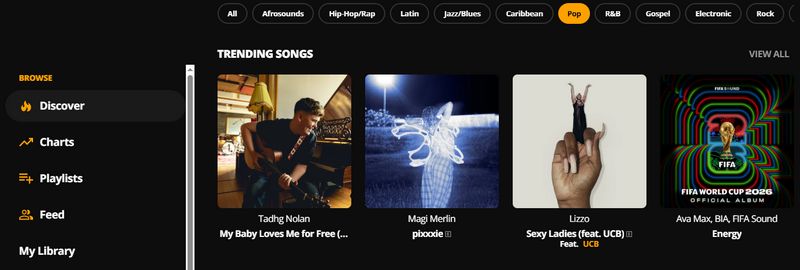
Audiomack is a youth-centric streaming platform focused on hip-hop, electronic, and reggae music. It is a fantastic alternative to Spotify that frequently evades basic school internet blocks.
- Why it works: Often categorized under independent blog sharing rather than heavy media streaming.
- Best for: Hip-hop, rap, and electronic music fans who want to listen to the latest trending mixtapes and underground hits.
Pros
-
Exceptional platform for discovering trending rap, hip-hop, electronic mixtapes, and reggae music.
-
The platform layout feels very modern and social, making it easy to find trending playlists curated by other students.
Cons
-
The free tier contains audio and visual banner advertisements that can interrupt your flow.
-
Due to copyright limitations, many billboard-topping pop or radio hits are missing or only available as modified covers/remixes.
-
You cannot download tracks to a school Chromebook or phone for offline use without subscribing to their premium plan.
- Related articles recommended: Audiomack Mod APK - Download Music to MP3 for Free
#6. Bandcamp
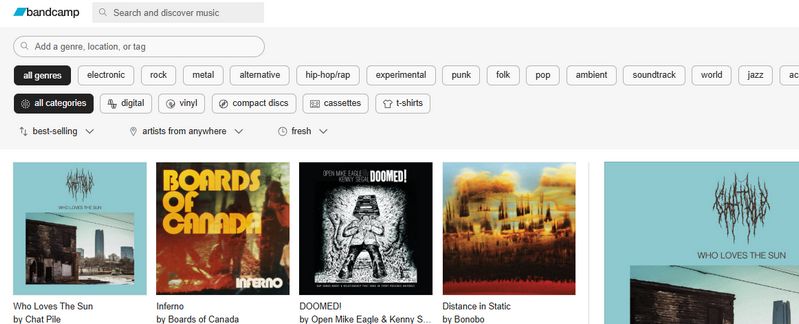
Bandcamp allows independent artists to upload music and sell directly to fans. It features an incredibly robust built-in web player that allows you to listen to full albums for free.
- Why it works: Categorized as an e-commerce/retail site rather than a pure music streaming service.
- Best for: Hardcore music enthusiasts who love discovering underground bands, niche genres, and supporting artists directly.
Pros
-
Incredible community hub featuring exclusive releases, hidden-gem tracks, and underground artist albums.
-
The built-in browser player is robust, offering full-album previews on most artist pages.
Cons
-
Some independent artists choose to limit the number of free streams allowed per user.
-
The catalog is strictly limited to independent creators, so you won't find billboard-topping artists here.
-
It is built for listening to full albums or individual tracks rather than building long, continuous custom playlists.
- Related articles recommended: 11 Best Bandcamp Downloaders for 320kbps MP3
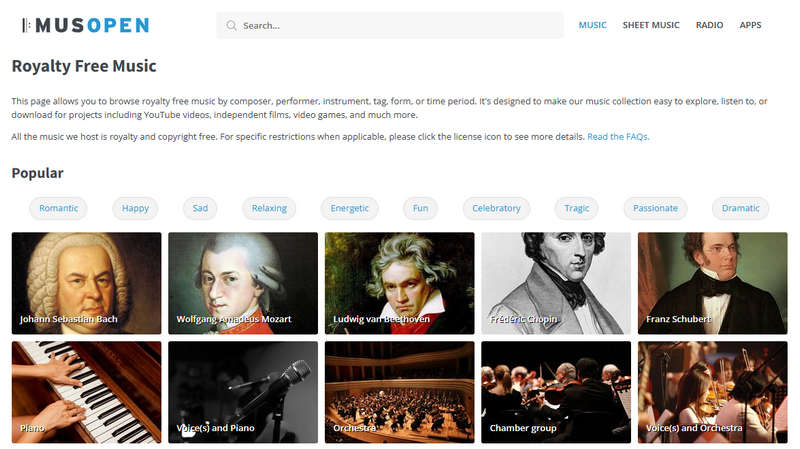
#7. Musopen
Musopen is a specialized online library focusing entirely on copyright-free classical music. It is an excellent unblocked resource for deep focus, studying, and writing essays.
- Why it works: Universally whitelisted as an educational resource.
- Best for: Students who need absolute silence or instrumental music to concentrate during high-stress study sessions or exams.
Pros
-
An unparalleled collection of copyright-free classical music, perfect for deep cognitive focus and study sessions.
-
Offers historical recordings alongside free printable sheet music for educational purposes.
Cons
-
Features occasional intrusive pop-up advertisements on the web portal.
-
Strictly limited to classical and historical arrangements, with zero modern genres.
#8. Soundzabound
Specifically tailored for K-12 and university environments, Soundzabound provides royalty-free music and sound effects designed for classroom projects and student listening.
- Why it works: Explicitly designed for educational institutions.
- Best for: Students working on digital presentations, school news broadcasts, or video assignments who need legal background audio.

Pros
-
Explicitly designed for K-12 and university environments, making it globally whitelisted by school networks.
-
Highly structured library with categorized volumes for easy and seamless tracking.
Cons
-
The library is significantly smaller than commercial platforms, focusing mainly on background instrumentals.
-
Tracks feel more like cinematic score pieces or stock audio rather than casual radio music.
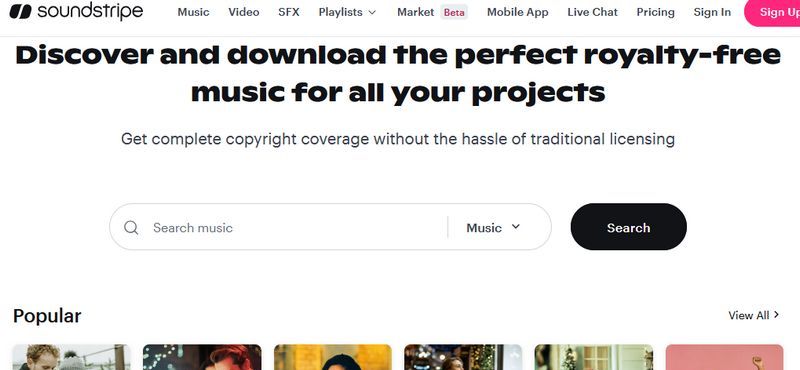
#9. Soundstripe
A premium-tier royalty-free library showcasing professionally curated audio tracks. While built for creators, Soundstripe's web player serves as a highly effective, ad-free study playlist alternative.
- Why it works: Regarded as a professional workflow tool by network filters.
- Best for: Audio perfectionists who want ultra-high-quality instrumental or background tracks without annoying ad interruptions.
Pros
-
Features exceptionally high, professional-grade audio engineering and curated audio tracks.
-
Streamlined, modern UI that allows you to easily filter by specific BPM, mood, or key instrument.
Cons
-
Missing any mainstream or widely recognizable radio pop songs.
-
Advanced creator features and continuous licensing require a premium paid subscription.
Category C: Web Radio & Customized Smart Stations
Live radio stations use different streaming protocols than on-demand sites. This difference helps them bypass traditional URL blocks. These platforms offer many 24/7 music stations for every genre. You can use them as an unblocked music player to stream tunes at school.
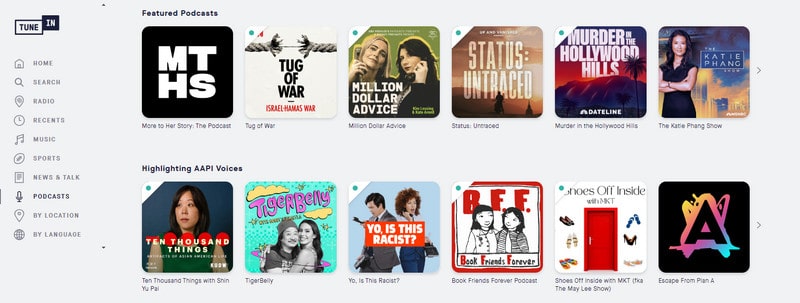
#10. TuneIn
TuneIn provides free access to thousands of live radio channels, local AM/FM broadcasts, podcasts, and global sports feeds from around the world without requiring an account.
- Why it works: Operates as a news and information radio directory.
- Best for: Students who prefer talk radio, live podcasts, global news, or traditional radio broadcast formats.
Pros
-
Grants free access to thousands of live, global radio stations, local AM/FM channels, and trending podcasts.
-
Extremely stable streaming protocols that frequently glide past traditional firewall URL blocklists.
Cons
-
The free tier is heavily ad-supported, featuring frequent commercial breaks.
-
Lacks on-demand music control; you cannot search for and play a specific song or album instantly.
-
Because it functions as live radio, you cannot search for individual songs, skip tracks on terrestrial stations, or create custom music playlists.
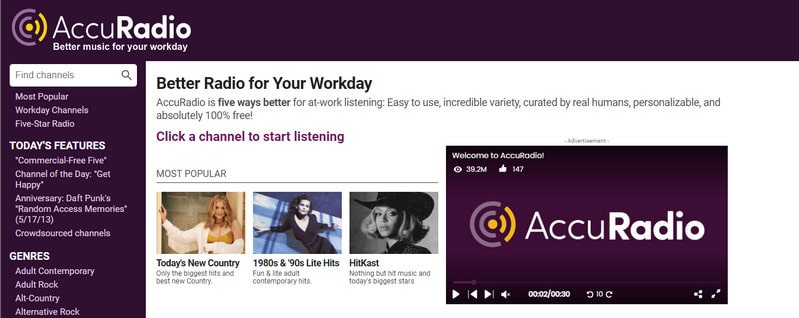
#11. AccuRadio
AccuRadio features over 1,400 highly customizable web radio channels. Users can skip songs unlimited times (with a free account) and easily fine-tune genres to their exact mood.
- Why it works: Classified as an internet radio broadcaster.
- Best for: Casual listeners who want to pick a vibe (e.g., "Lo-Fi Study" or "90s Rock") and let a smart algorithm take over.
Pros
-
Highly customizable experience allowing you to skip tracks unlimited times after creating a free profile.
-
Features built-in filters to easily exclude explicit tracks, keeping music safe for school environments.
Cons
-
The interface is dense and cluttered with a significant number of tracking banner ads.
-
Cannot compile personal custom playlists; you must listen within pre-set station parameters.
-
The web player can be heavily loaded with scripts and ads, which may lag or slow down lower-end school Chromebooks.
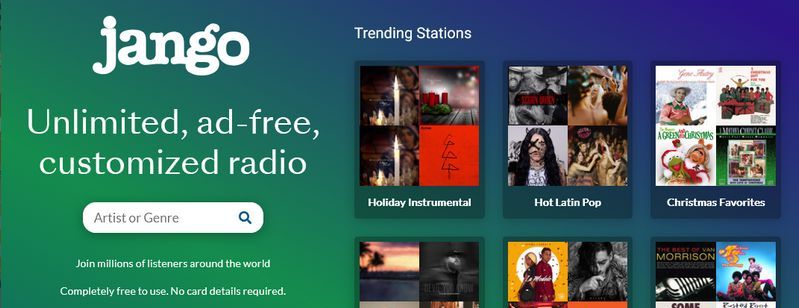
#12. Jango
Jango is a clean, free online music station player that aims for a personalized experience with minimal commercial interruptions.
- Why it works: Utilizes lesser-known custom streaming servers.
- Best for: Students looking for a Pandora-style experience with fewer disruptive audio commercials during study hours.
Pros
-
Modern, minimalist, and user-optimized web player that runs seamlessly on old school computers.
-
Significantly fewer ad interruptions on the free tier compared to major web radio competitors.
Cons
-
Standard radio format means you can't replay a favorite song that just finished.
-
The audio library size for niche or localized global music is somewhat limited.
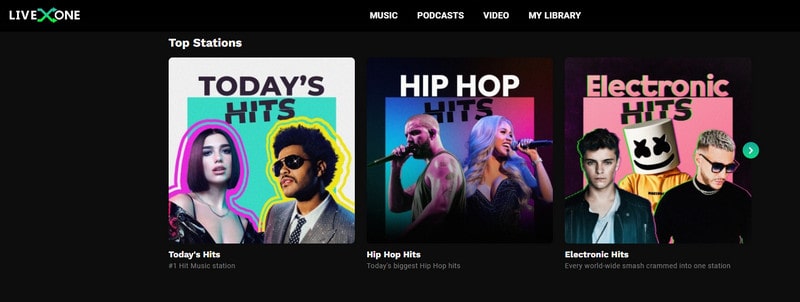
#13. LiveOne (Formerly Slacker Radio)
LiveOne offers over 200 curated music stations, live concert streams, and original entertainment podcasts accessible through any web browser.
- Why it works: Often categorized under live events and entertainment news.
- Best for: Students who want to stay up-to-date with live music events, music festival streams, and pop culture news.
Pros
-
Offers unique access to live festival streams, concert feeds, and exclusive artist talk-shows.
-
Diverse preset music channels managed by professional music curating teams.
Cons
-
Most prominent streaming features are strictly locked to listeners located in the US and Canada.
-
Maximum audio quality (320kbps) and ad removal require a paid monthly Plus membership.
#14. Pandora
Pandora remains a staple for personalized music streaming, using its famous Music Genome Project to build custom stations around favorite artists.
- Why it works: Basic web player endpoints frequently slip through broad school blocks.
- Best for: Students who want an ultra-smart recommendation system that automatically finds new songs based on their musical taste.
💡 Quick Tip: Are you annoyed by ads on your free Pandora account and unable to download your favorite songs for offline listening? TunePat Music One helps you batch-download Pandora music in MP3 to your computer.
Pros
-
The radio algorithm automatically plays perfectly matching tracks, allowing hands-free streaming without distraction during study sessions.
-
Uses very little network data compared to video-sourced platforms, ensuring smooth playback even on slower Wi-Fi.
-
Works instantly in any web browser without requiring school-blocked app downloads.
Cons
-
As a major mainstream service, its domain is usually among the first to be restricted by school firewalls.
-
Region-locked to the United States, making it unavailable for international students without a VPN.
-
The free tier interrupts study focus with loud commercials and limits how many songs you can skip.
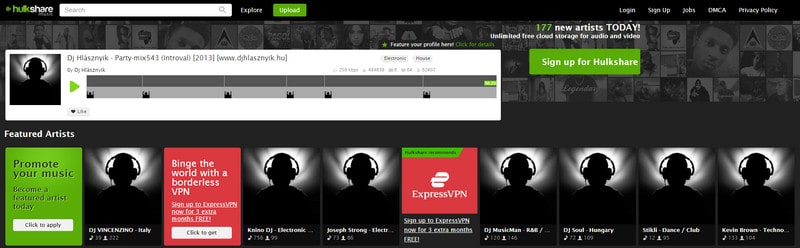
#15. Hulkshare
Hulkshare is a free, community-driven music sharing network that allows users to upload, stream, and discover underground tracks without a forced profile setup.
- Why it works: Operates as an open file-sharing forum rather than a mainstream media hub.
- Best for: Finding underground hip-hop tracks, local artist mixtapes, and rare user-uploaded remixes.
Pros
-
Offers direct, uncomplicated MP3 download triggers for any track uploaded by the community.
-
100% free file sharing environment with no mandatory subscription blocks.
Cons
-
The catalog is completely user-submitted, making it disorganized and full of low-quality audio cuts.
-
Certain network environments may require a proxy or specialized browser setup to open the domain.
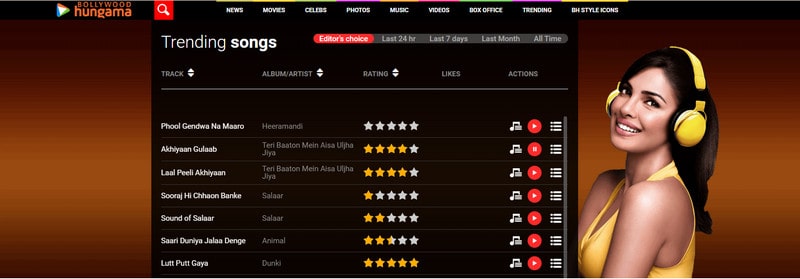
#16. Hungama
Hungama is a fantastic international alternative focusing heavily on Bollywood hits, regional Asian tracks, Punjabi music, and indie-folk.
- Why it works: International domains are often overlooked by standard domestic school firewalls.
- Best for: Fans of Bollywood, Asian pop, and international regional music who want to bypass domestic school firewalls.
Pros
-
The absolute premier unblocked destination for Bollywood hits, regional Asian tracks, and indie-folk.
-
International domain routing makes it highly elusive to domestic school internet web filters.
Cons
-
The ad-supported model displays aggressive pop-ups on the web player dashboard.
-
Western pop, hip-hop, and rock catalogs are significantly limited compared to regional content.
Category D: Proxy, Video-Sourced, & Institutional Access Player Platforms
These platforms use YouTube videos as a music source or use school logins for ad-free media. They remove the video and keep only the audio. This action turns large video libraries into a lightweight unblocked music player that easily passes school filters.
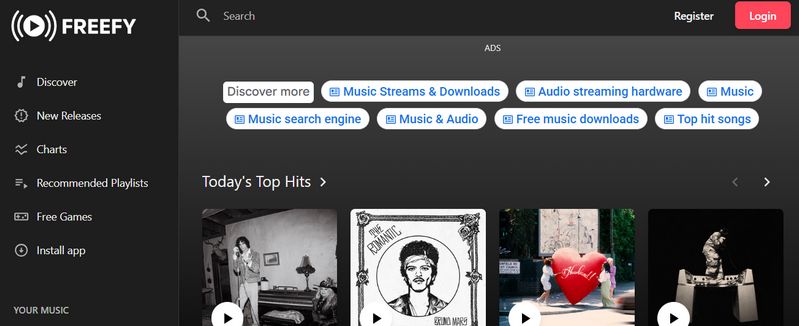
#17. Freefy
Freefy is a free, Spotify-inspired web player that offers unlimited music streaming with premium features like custom playlists and queue management, all without interrupting your music with audio ads.
- Why it works: Freefy acts as a YouTube-powered aggregator on an independent domain, allowing it to easily bypass standard school network filters.
- Best for: Students who want a clean, Spotify-like interface to listen to mainstream music uninterrupted during study sessions without using a VPN.
Pros
-
A slick, familiar UI that plays music back-to-back with zero audio ads.
-
Accesses YouTube's database for almost any track, remix, or live cover.
-
Works instantly in any browser without requiring school-blocked downloads.
Cons
-
The platform displays visual banner ads on the interface to remain free.
-
Sourcing from video streams consumes more data, and tracks can fail if the original YouTube video is removed.
#18. Hoopla Digital
Hoopla links directly with local public library cards to offer free, ad-free digital borrowing of over a million audio tracks, audiobooks, and movies.
- Why it works: Whitelisted globally as a public educational library system.
- Best for: Students who have a public library card and want a premium, legal, and ad-free streaming experience for mainstream albums.
Pros
-
Totally free, premium, and 100% ad-free experience sponsored entirely by local public library networks.
-
Provides legitimate access to major, top-charting commercial albums that are usually locked behind paywalls.
Cons
-
You must link a valid public library card from a participating region.
-
Operates on a monthly borrowing limit system depending on your specific library’s network rules.
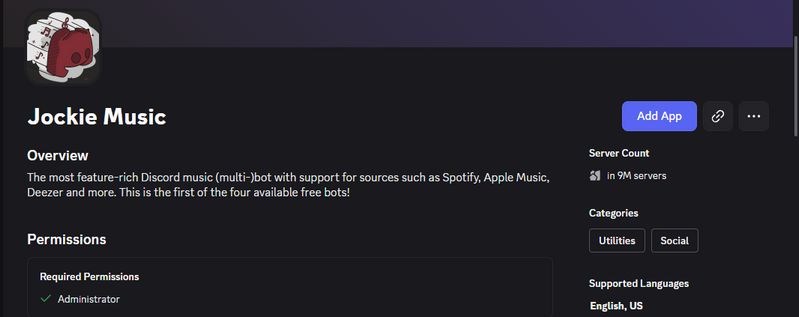
#19. Retro Discord Music Bots (e.g., Jockie Music / Hydra)
If your school allows access to Discord for communication, STEM, or coding clubs, adding a dedicated music bot to a private server allows you to play music directly within the Discord client.
- Why it works: The school network only sees data traffic from "Discord," not a music streaming platform.
- Best for: Tech-savvy students who use Discord and want to listen to music collaboratively with friends in a voice channel during free periods.
Pros
-
Flawlessly hides music data traffic inside standard Discord client application data packs.
-
Completely ad-free listening experience that allows you to share beats simultaneously with school peers.
Cons
-
Requires setting up a private server and knowing how to command bot triggers (e.g., slash commands).
-
Can experience audio stuttering if your school network actively throttles Discord VoIP bandwidth.
#20. Invidious (Alternative YouTube Frontends)
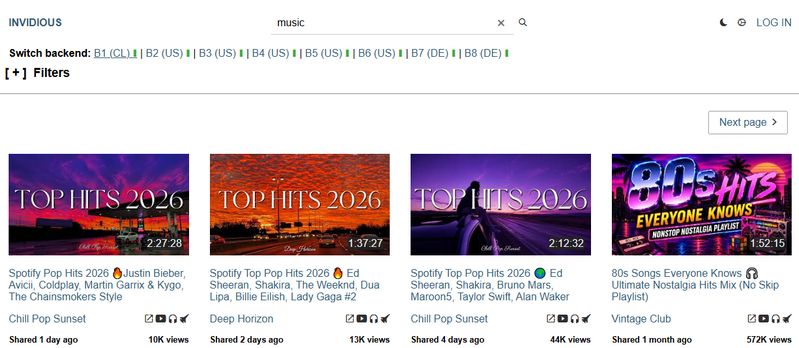
Invidious is an open-source, alternative web player interface for YouTube. It allows you to search for and listen to any music video or track uploaded to YouTube without ads, tracking, or standard network blocks.
- Why it works: It runs on dozens of changing public proxy domains that school filters don't recognize.
- Best for: Students whose schools block YouTube entirely but who still want access to the world’s largest library of user-generated music and covers.
Pros
-
Grants full access to any song, cover, or remix hosted on YouTube without tracking cookie footprints or ads.
-
Powered by ever-changing public proxy mirror domains, making it nearly impossible for school filters to keep up.
Cons
-
Public mirror domains can occasionally go offline without warning, requiring you to look for a new link.
-
The interface is stripped down to the bare essentials, lacking advanced playlist organizing tools.
Part 3: FAQs About Unblocked Music Players for School
Q1. Why do schools block music streaming sites on school Wi-Fi?
A: School IT administrators block music platforms primarily to preserve network bandwidth for educational activities and to prevent student distractions during class. Additionally, school firewall software automatically flags sites that feature unmoderated user content or explicit album artwork.
Q2. How can I listen to music at school without getting caught by the firewall?
A: The safest and most reliable method is offline playback. Using an all-in-one tool like TunePat Music One to download your playlists onto your phone or laptop before school ensures you don't use the school's Wi-Fi network traffic. This keeps your listening habits 100% invisible to the school firewall.
Q3. Can I use a free web proxy to unblock Spotify or YouTube Music at school?
A: While free web proxies can temporarily unblock music, they are usually highly unstable, packed with intrusive ads, and easily detected by school network administrators. Using dedicated unblocked alternative players or open-source frontends is a much safer and more consistent solution.
Q4. How can I listen to unblocked music on a school Chromebook?
A: Since school Chromebooks block external apps and downloads, you can use browser-based alternative players that stream directly without triggering IT alerts. Alternatively, you can use a reliable tool like TunePat to download your playlists at home onto a USB drive or your personal Google Drive, allowing you to bypass the school network entirely.
Q5. What are the best unblocked music genres for studying at school?
A: If mainstream platforms are completely blocked, look for platforms that host copyright-free Lo-Fi beats, video game soundtracks, or ambient study music. These genres are often hosted on niche, indie, or cloud-based player platforms that school network filters regularly overlook, making them excellent background soundtracks for study sessions.
Summary
A strict school network shouldn't stop you from listening to your favorite study beats. While browser-based alternatives like Jamendo or Google Drive are great for unblocked music at school, IT admins can block them at any time.
If you want a 100% reliable, restriction-free experience, downloading your songs ahead of time is the ultimate solution. Try TunePat Music One to convert your playlists into permanent offline MP3s, and never worry about a school firewall again!
Olivia Anderson
Senior Writer